If your setup is anything like mine, then your NAS is likely also your Plex server. While that might seem like a great idea at first, over time, your NAS just might not have the power to keep up with the demands of Plex streaming and transcoding.
The first thought you might have is to replace your NAS with something more powerful. I’d recommend against that, and, instead, tell you to get a separate computer to run your Plex server—here’s why.
Let Your NAS Be a Storage Server
NAS stands for network attached storage, not “do everything possible with one computer.” All kidding aside, most NAS servers are purpose-built to handle your storage needs without much extra headroom to do anything else. While there are some storage servers with plenty of horsepower, and you can always build your own, just simply let your NAS be your NAS, and don’t ask it to do anything more.
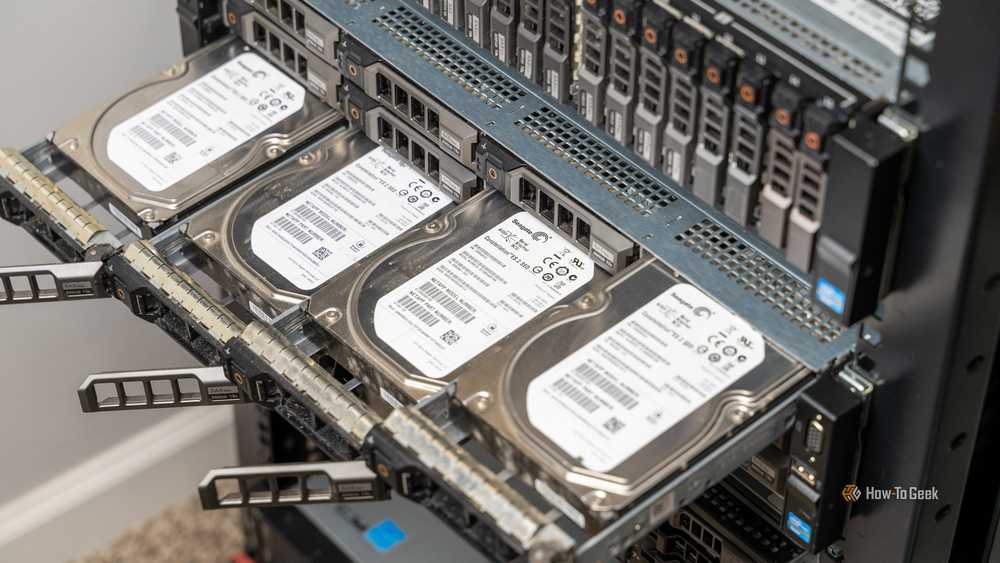
For about four years, my NAS was my “do everything” server. It ran all my Docker containers, my Minecraft servers, and my Plex. Earlier this year, I decided that enough was enough and offloaded all of my homelab applications from the NAS to a dedicated server, and my NAS has run so much better since then.
Offloading those tasks from your NAS to a separate system will leave performance on the table for your storage server to work how it should. Parity rebuilds are faster now. When I need to spin down my array to replace a failing drive (which happens more often than I’d like), I’m not taking the entire homelab down. Plus, it uses less power and produces less heat since it isn’t working as hard.

- Brand
-
Synology
- CPU
-
Intel Celeron J4125
This four-bay NAS works great for home and small office use, and it comes with a three-year warranty from Synology.
Get a More Powerful Computer Instead of a New NAS

Instead of replacing your NAS, just get a more powerful computer instead. I’d recommend going with a mini PC or desktop, but you can use any system you want, really. Ideally, for Plex, you’ll have a newer Intel processor (8th generation or newer) for the integrated graphics. The newer you can go, the better.
Going this route gives your Plex server a dedicated processor, integrated graphics to handle transcoding, and more headroom than it’ll know what to do with. You can also spin up other services on this system instead of using it just for Plex.
That’s what I did. When I migrated my services off my NAS to a dedicated virtual machine server, everything improved. All of my Minecraft servers were more responsive, my websites ran better, and I could reboot faster if there was a problem. Plus, Plex ran beautifully even with all the other services going.

- CPU
-
Intel 8th Generation Core i5
- Graphics
-
Intel Intergrated UHD Graphics 630
The Dell OptiPlex 7060 mini desktop PC is a great choice to run your homelab or office. It features an 8th Generation i5 processor, which allows it to run Windows 11 Pro out of the box. It ships with 16GB of DDR4 RAM and a 256GB SSD, as well as being user-serviceable if you want to upgrade it in the future.
Even Older Networks Can Easily Handle the Bandwidth Needs
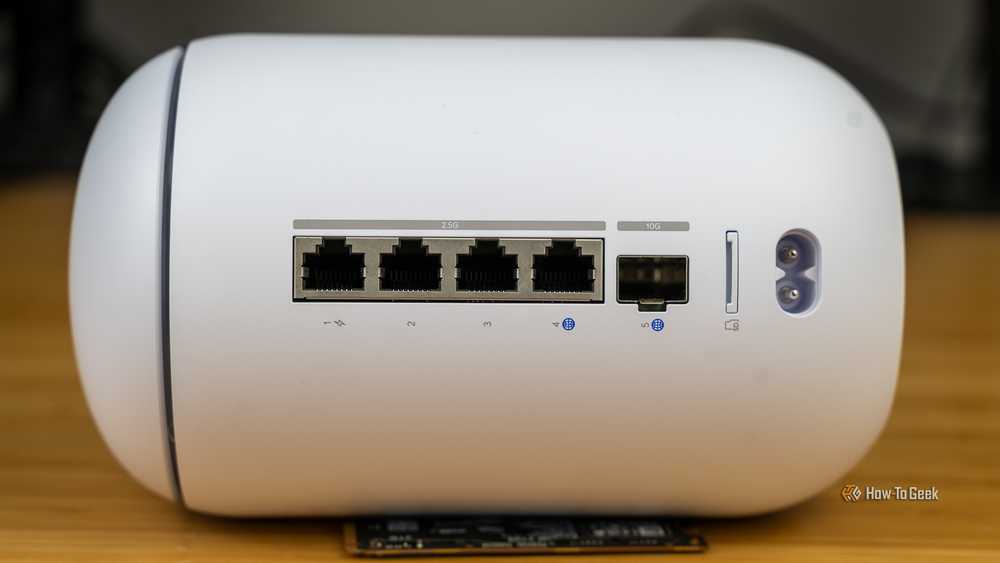
Now, if you’re anything like me, then you’re likely thinking, “But is it really smart to access my media files over the network with Plex?” The short answer is: it’s actually fine.
You see, even the highest bitrate 4K Blu-ray movie is only around 144Mb/s. This is about 14% utilization of a gigabit network, let alone a multi-gig network if you’re running 2.5G, 5G, or 10G.
I was actually surprised to see absolutely no degradation in my Plex experience when I moved it to a dedicated server. If anything, my experience improved because of having the extra headroom for transcoding. When I realized that almost all the content I watch is 1080p, and 95% of it is sub-20Mb/s, it all made sense.
Modern networking infrastructure is more than capable of handling Plex streaming over the network. I mean, you stream the movies over the network already.

- Brand
-
Plex
- Free trial
-
Free version available
With Plex, you can keep a single, unified Watchlist for any movie or TV show you hear about, on any service—even theater releases! You can finally stop hopping between watchlists on all your other streaming services, and add it all on Plex instead.
At the end of the day, upgrading your NAS can get very expensive, especially if you need to buy new drives to transfer data from one system to another. Buying a new (or used) computer to run your Plex server will not only give you a better experience, but also save you money in the long run.